




What is alt text? Describe the picture’s purpose
Alt text conveys an image's relevant meaning to someone who cannot see it. A visible caption may add context or a photographer's credit, but it does not…
 Nina Bakalová21 October 2026 · 5 min read
Alt text conveys an image's relevant meaning to someone who cannot see it. A visible caption may add context or a photographer's credit, but it does not automatically do the same job. Before writing a description, ask what the picture contributes to this particular page. Choose the words around that purpose.
On a family website, the image might be an event photograph, a book cover or an illustrated instruction. This guide is for parents, creators and people publishing school or community information. Adding a description is useful work, but it does not certify the accessibility of a document, product or whole website.
What would a reader miss without the picture?
Start with the information rather than a catalogue of everything visible. W3C WAI's images tutorial distinguishes different image roles. An informative image needs an appropriate text alternative. A decorative HTML image can use an empty alt attribute. An image acting as a control needs its function communicated.
The distinction is about use, not an invitation to insert search keywords. The same photograph might identify an entrance on one page and be decorative beside text that already provides the necessary information on another.
Consider an original model example. A library invitation includes a picture of the side entrance. “Library side entrance from the courtyard, beside the blue gate” communicates something a visitor can use. “A beautiful building” does not identify the way in. Colour matters in this invented example because it is an orientation detail, not because every description must include colours.
A caption and alt text have different jobs
A caption remains visible with the picture. It can explain the occasion or why the photograph was selected. Alt text contributes to how image information is made available, including through a screen reader. Do not assume every reader receives an identical experience in every application.
In the model invitation, a visible caption might say “Arriving for Saturday story time”. The image description can then provide the entrance detail. Avoid mechanically duplicating the same sentence in both places. Look at the heading, surrounding paragraph and link before deciding what is missing.
Other access formats solve other problems. Audio description conveys important visual information in another context. SDH subtitles also convey relevant sound information. The names should not be used interchangeably simply because they all concern access.
An illustrated invitation still needs real text
A poster may contain the date, location and registration details. When the entire announcement exists only inside an image, losing access to that image can mean losing the whole invitation. For a straightforward event notice, put the important details into actual page or post text too.
Here is an original workflow example. First write who is inviting the reader, what happens, when it happens and where to arrive. Add a usable registration route and contact for questions. Then check whether the poster contains any important detail absent from that text. Its description does not need to become an unstructured transcription of every decorative slogan.
Our guide to a birthday invitation that makes joining in easier explores the practical information a family may need. The same question applies here: can a person use the announcement, rather than merely recognise that it looks attractive?
Complex information needs more than a short label
A graph, map or process diagram may contain more information than a concise description can sensibly convey. Make the underlying explanation available near it. A short label should not pretend to replace every relationship and value in a complex graphic.
Imagine a model map from a bus stop to a venue entrance. The surrounding text could explain the route and landmarks. If you have not checked the route or step-free access, do not invent those details while writing the description. Making information easier to access must not turn an uncertain claim into a confident instruction.
Think about the intended task when reviewing the result. Could someone find the correct entrance from the available information? Could they ask a question if the directions are unclear? Those questions reveal a more specific problem than judging whether the page has enough descriptive words.
Review an automated draft against the actual image
An AI-generated description is a draft, not proof that an image's purpose has been understood. Compare it with the picture and the page. Do not infer identity, diagnosis, emotions or family relationships from appearance alone. Describe what you know and what matters to the content, rather than a story that would fit the photograph.
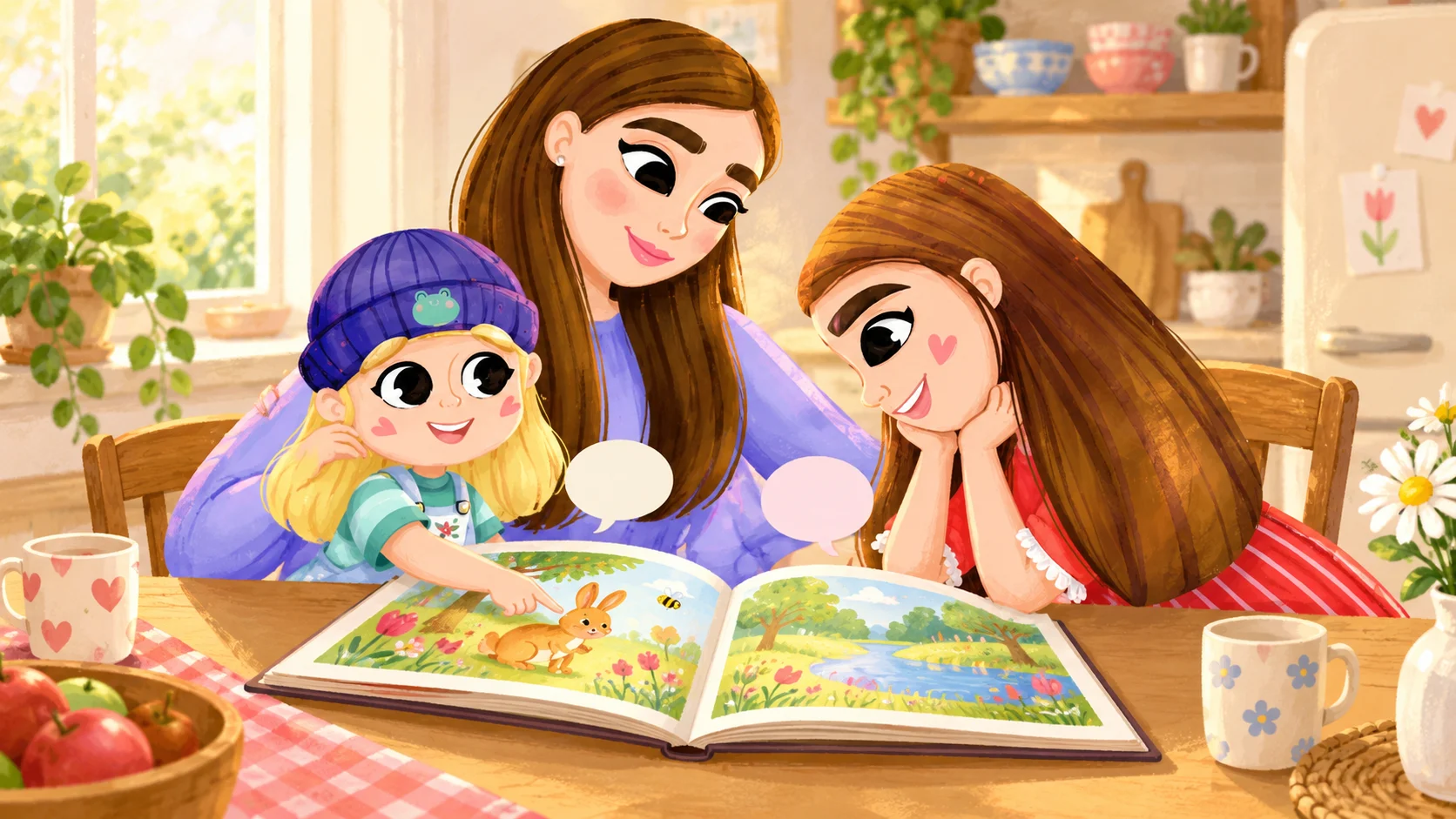
We also distinguish illustrations from documentary photographs. A drawing of a family sharing a book is not evidence that a real event happened. Our TAMITOS children's book is a separate product and our own recommendation. This article does not claim a particular verified accessibility feature for its print or digital editions.
If you edit someone else's description, retain accurate information rather than making the wording more dramatic. An ordinary, precise detail can serve a reader better than a polished paragraph of assumptions. Keep any required public credit in the appropriate visible location instead of treating alt text as a storage field for unrelated metadata.
Frequently asked questions
Does every image need a long description?
No. The amount of text depends on what it contributes. The W3C alt decision tree helps authors consider the image's role in context rather than applying the same sentence pattern everywhere.
Is the filename enough?
A name such as photo-final-2 does not communicate the picture's purpose. Even a meaningful filename does not replace checking how the image is actually published and accessed.
Can readers help me review it?
Yes. Ask a concrete question, such as whether the information explains which entrance to use. One reader's helpful feedback is not certification of the whole site, but it can identify a specific missing detail worth fixing.
Sources and links checked on 21 October 2026. The entrance, invitation and map situations are original TAMITOS model examples.
Mom of two and co-founder of TAMITOS. For several years I have walked alongside our daughter on the autism spectrum, sharing real experiences from everyday life to bring more understanding and practical information to parents and everyone around them.
More articles
Shopping with a child: when the checkout queue stops
The hardest part of a short shopping trip with a child may be waiting at the checkout. A smaller list, a clear…
Reading in a bilingual family: one story, two languages
Reading with a child in two languages does not require translating every sentence twice. Choose a language you…

TAMITOS: How love for our daughter became a project for the world
Nina and Rastislav Bakala share the story of Zoe and Tamia, and how love for their daughter inspired books, TA…
 Free
Free